
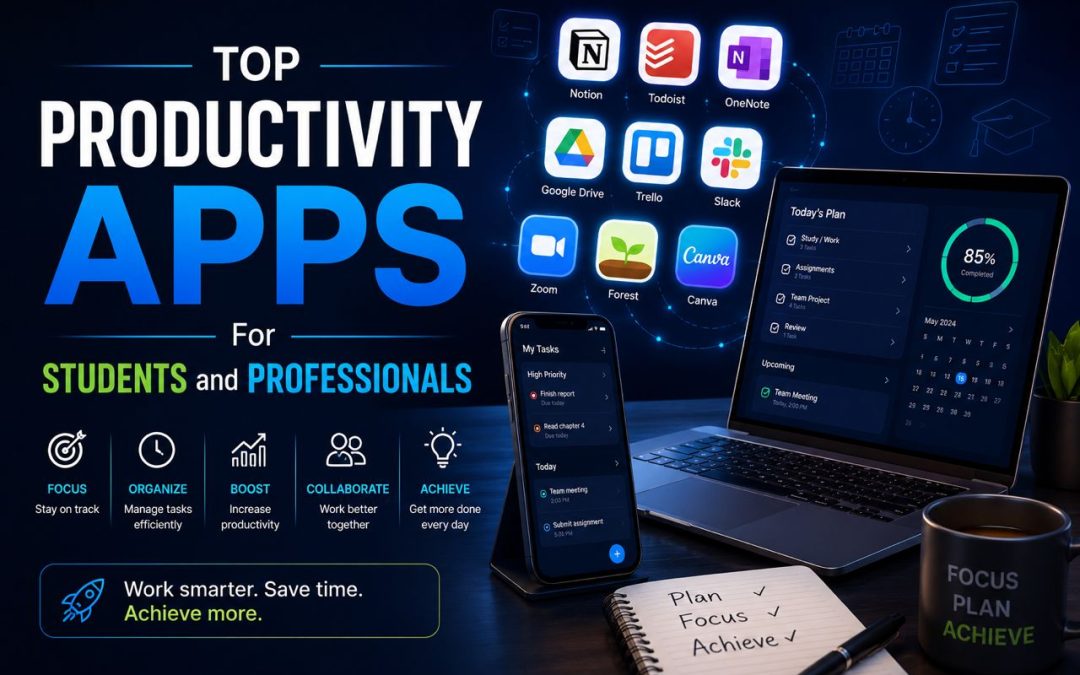
In today’s fast-paced digital world, staying productive is more important than ever. Whether you are a student managing assignments and exams or a professional handling projects and deadlines, the right productivity apps can help you stay organized, save time, and work more efficiently. Modern productivity tools offer features such as task management, note-taking, collaboration, scheduling, and time tracking, making it easier to achieve goals and maintain focus. Here are some of the top productivity apps that students and professionals should consider using in 2026.
Notion
Notion has become one of the most popular productivity apps due to its versatility and ease of use. It combines note-taking, project management, task tracking, and collaboration into a single platform. Students can use Notion to organize study materials, create revision plans, and track assignments. Professionals can manage projects, maintain documentation, and collaborate with team members efficiently. Its customizable workspace makes it suitable for a wide range of needs.
Microsoft OneNote
Microsoft OneNote is an excellent digital notebook that allows users to capture ideas, organize notes, and store important information. Students can use it to take lecture notes, create study guides, and organize research materials. Professionals can use OneNote for meeting notes, brainstorming sessions, and project planning. Its cloud synchronization feature ensures that notes are accessible across multiple devices.
Google Keep
Google Keep is a simple yet powerful note-taking app designed for quick organization. Users can create notes, checklists, reminders, and voice memos that sync across devices. Its user-friendly interface makes it ideal for students managing daily tasks and professionals keeping track of important reminders and ideas.
Todoist
Todoist is one of the most effective task management applications available today. It allows users to create task lists, set deadlines, assign priorities, and track progress. Students can use Todoist to manage coursework and exam preparation, while professionals can organize projects and daily responsibilities. Its clean design and powerful features make task management straightforward and efficient.
Trello
Trello is a visual project management tool that uses boards, lists, and cards to organize work. It is particularly useful for collaborative projects and team activities. Students can use Trello to manage group assignments, while professionals can track project progress and coordinate tasks among team members. Its drag-and-drop interface makes workflow management simple and intuitive.
Google Calendar
Time management is essential for productivity, and Google Calendar is one of the best tools for scheduling and planning. Users can create events, set reminders, schedule meetings, and manage deadlines. Students can organize study schedules and exam dates, while professionals can manage appointments and work commitments effectively.
Grammarly
Grammarly is an AI-powered writing assistant that helps improve grammar, spelling, punctuation, and writing style. Students can use Grammarly when writing essays, reports, and assignments. Professionals benefit from its ability to improve emails, business documents, and presentations. It helps users communicate more clearly and professionally.
Canva
Canva is a powerful design platform that enables users to create presentations, posters, social media graphics, and visual content. Students can use Canva for academic projects and presentations, while professionals can design marketing materials and business documents. Its easy-to-use templates make creating professional-quality visuals accessible to everyone.
Zoom
Remote learning and virtual meetings have become common, making Zoom an essential productivity tool. Students can attend online classes and collaborate with classmates, while professionals can conduct meetings, webinars, and presentations from anywhere. Zoom’s reliability and collaboration features make it a valuable communication platform.
ChatGPT
Artificial intelligence tools are becoming increasingly useful for productivity, and ChatGPT is one of the most popular options. Students can use it to understand complex topics, generate study ideas, and improve learning efficiency. Professionals can use it for brainstorming, content creation, research assistance, and problem-solving. When used responsibly, AI tools can significantly enhance productivity and efficiency.
Benefits of Productivity Apps
Productivity apps offer numerous advantages, including improved organization, better time management, increased efficiency, and reduced stress. They help users prioritize tasks, track progress, and stay focused on important goals. By automating routine activities and providing structured workflows, these tools allow users to spend more time on meaningful work and learning.
Additionally, many productivity apps support collaboration, making it easier for teams and groups to communicate and work together effectively. Cloud-based platforms ensure that information remains accessible from multiple devices, supporting flexibility and remote work.
Conclusion
Productivity apps have become essential tools for students and professionals seeking to maximize efficiency and stay organized. Applications such as Notion, Todoist, Trello, Google Calendar, Grammarly, Canva, Zoom, and ChatGPT provide valuable features that support learning, collaboration, and task management. By choosing the right tools and using them consistently, individuals can improve productivity, reduce distractions, and achieve their goals more effectively in today’s digital world.